Save from the apps you already use
Share a YouTube video, Instagram or Facebook post, TikTok, Reddit discussion, podcast, or article to BiDecks. Add your own context; open the original when you want to watch, listen, or read.
Save it. Remember why. Use it later.

Your useful finds, in view
A home for what you save. Space for why it matters. See how BiDecks helps you find it again and turn saved ideas into things you try.
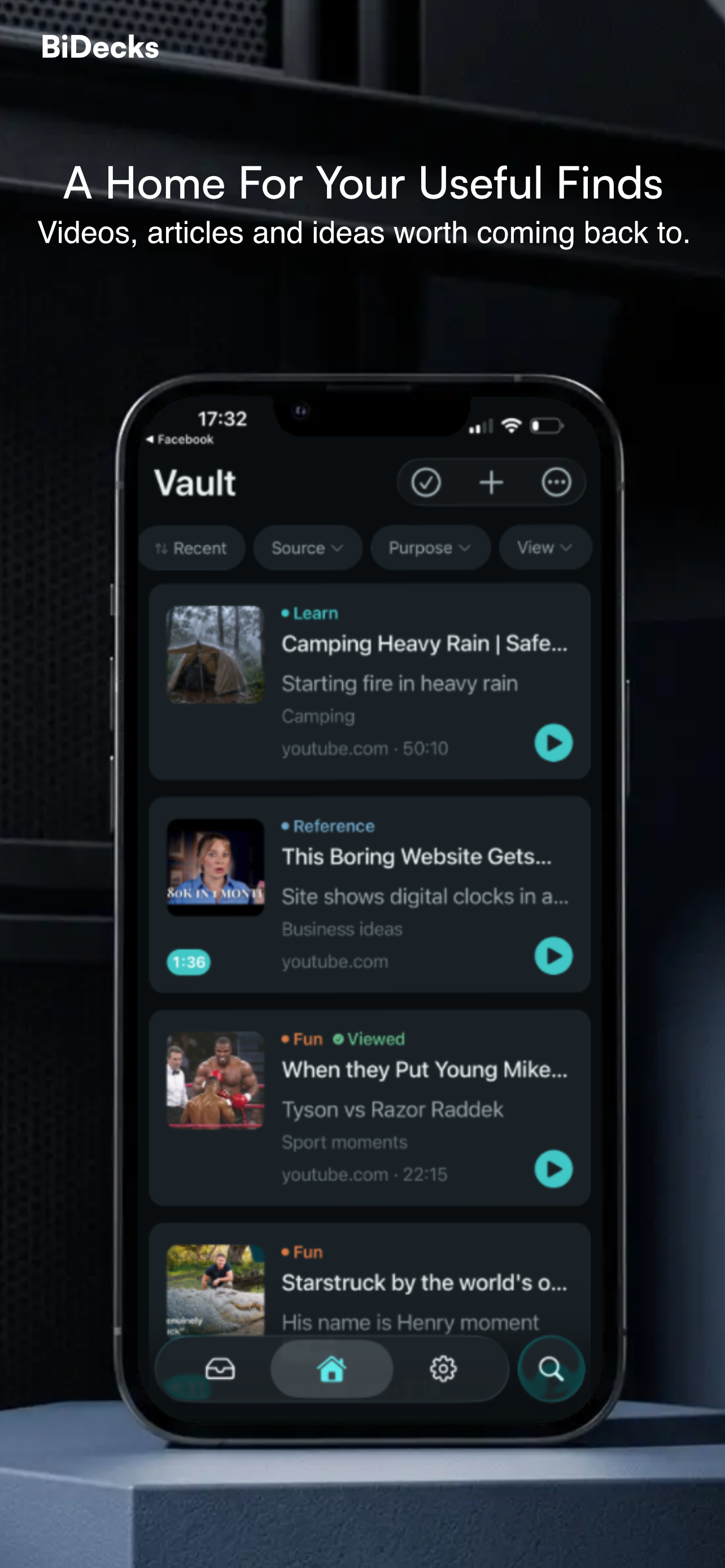
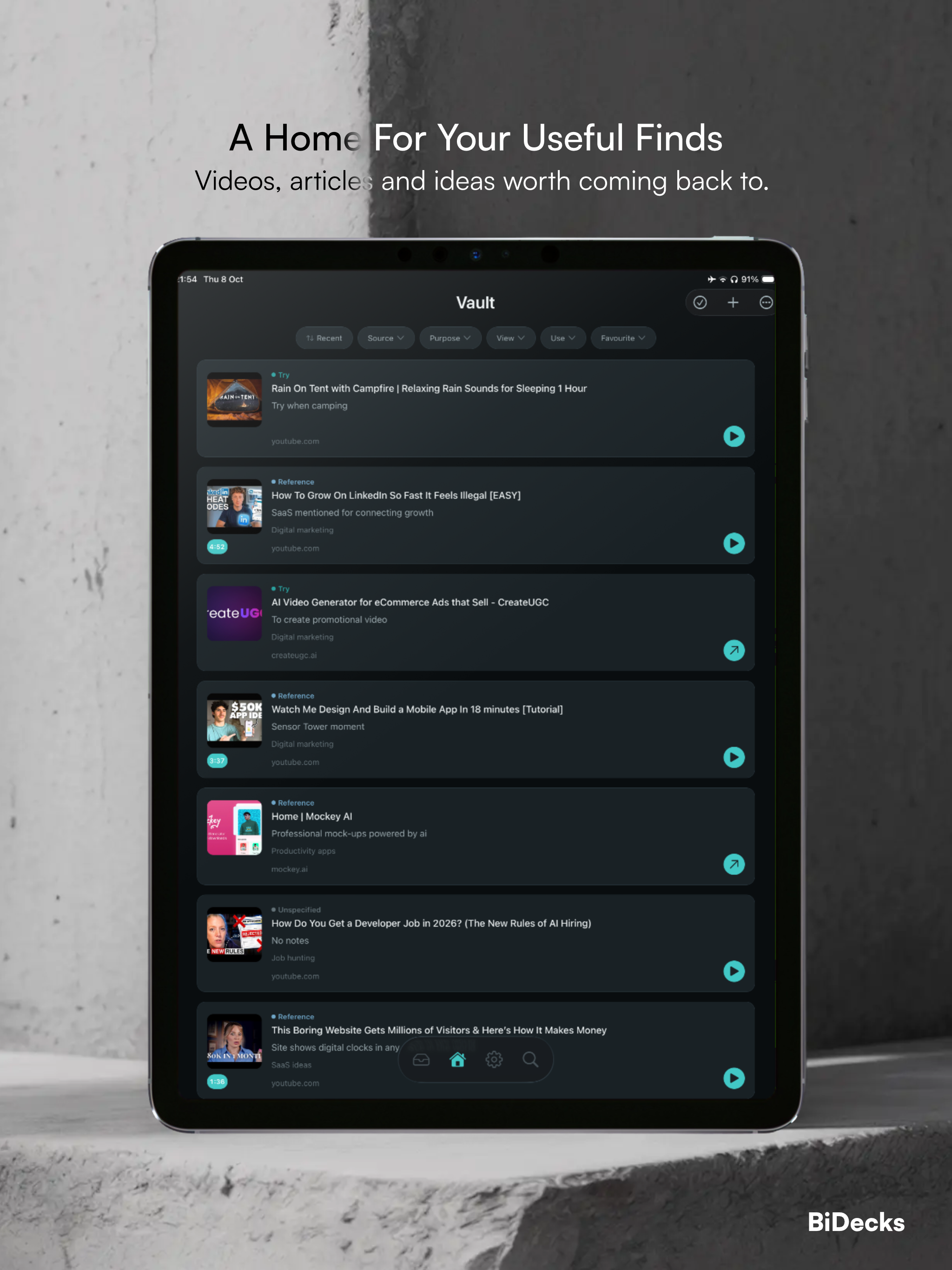
Useful things are easy to find. Harder to find again.
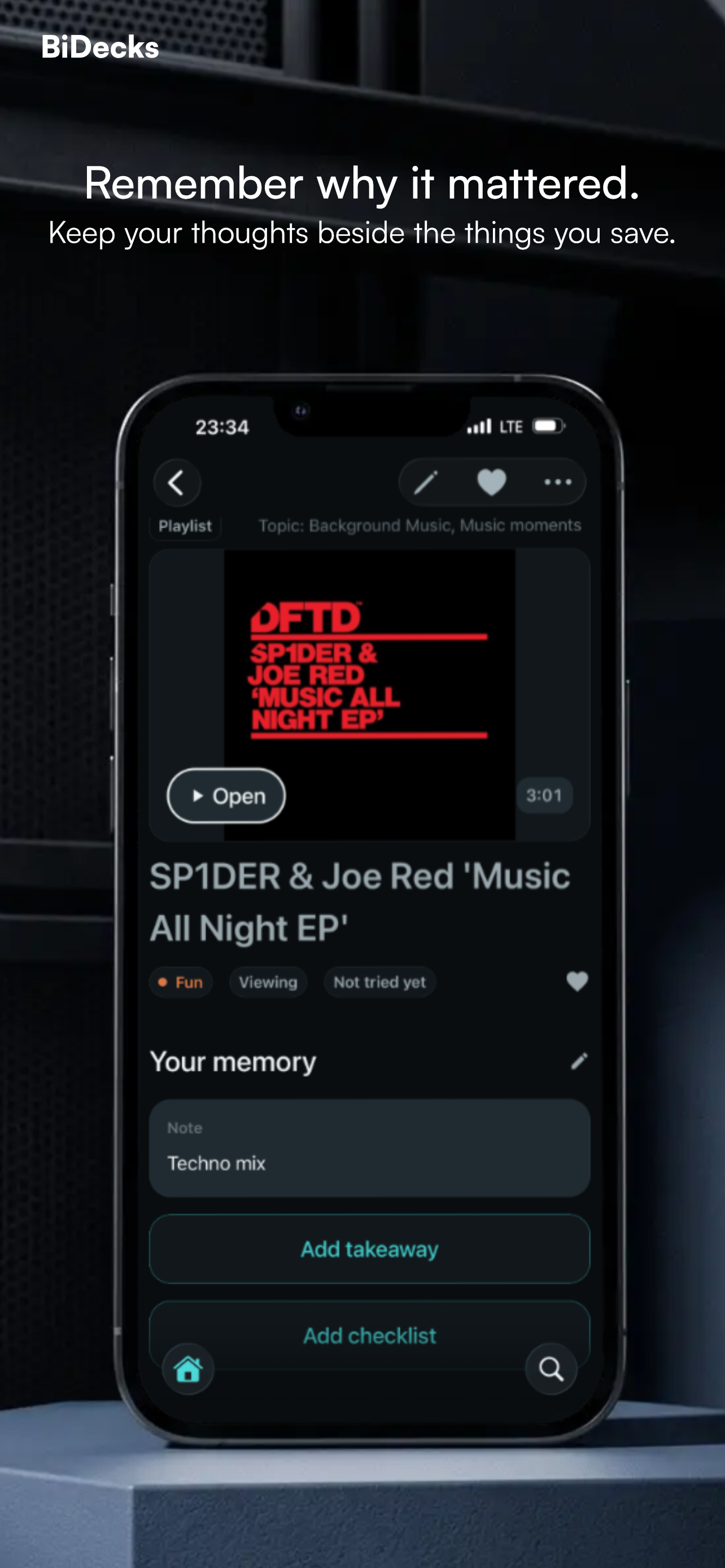
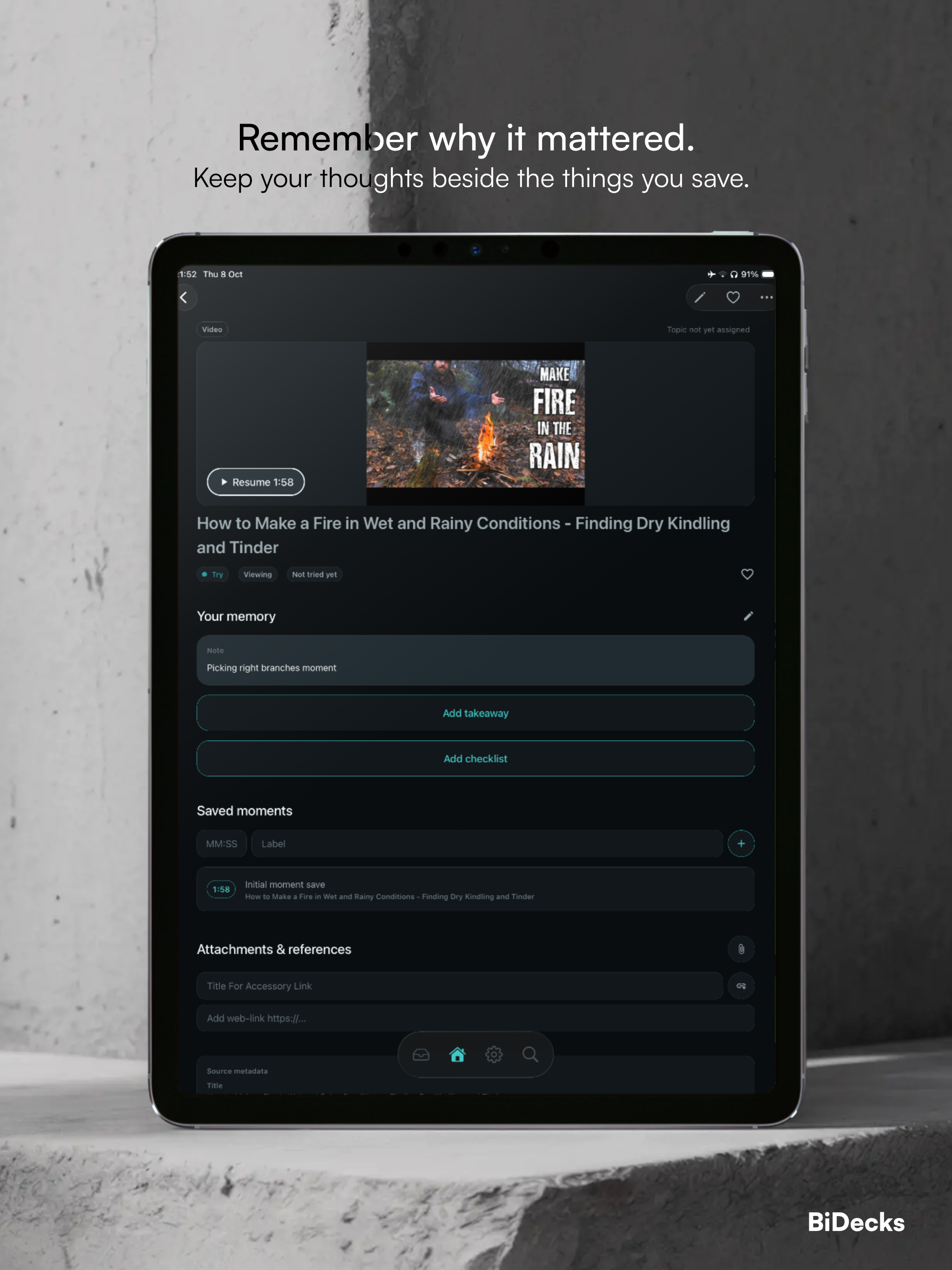
BiDecks gives the things you save a little of your own memory: why they mattered, what to try, what to remember, and where to pick up. Then, when the time comes, you can find the right one without searching through old feeds, saved posts, or browser history.
Quietly capable
Share a useful find with BiDecks. Add what matters to you. Find it later and open it where you first found it.
Share a YouTube video, Instagram or Facebook post, TikTok, Reddit discussion, podcast, or article to BiDecks. Add your own context; open the original when you want to watch, listen, or read.
Add notes, purpose, takeaways, checklists while the idea is fresh. Attach files, images, or accessory links as needed.
Mark a useful moment in a supported video or podcast. When you come back, open the original source at that moment where supported.
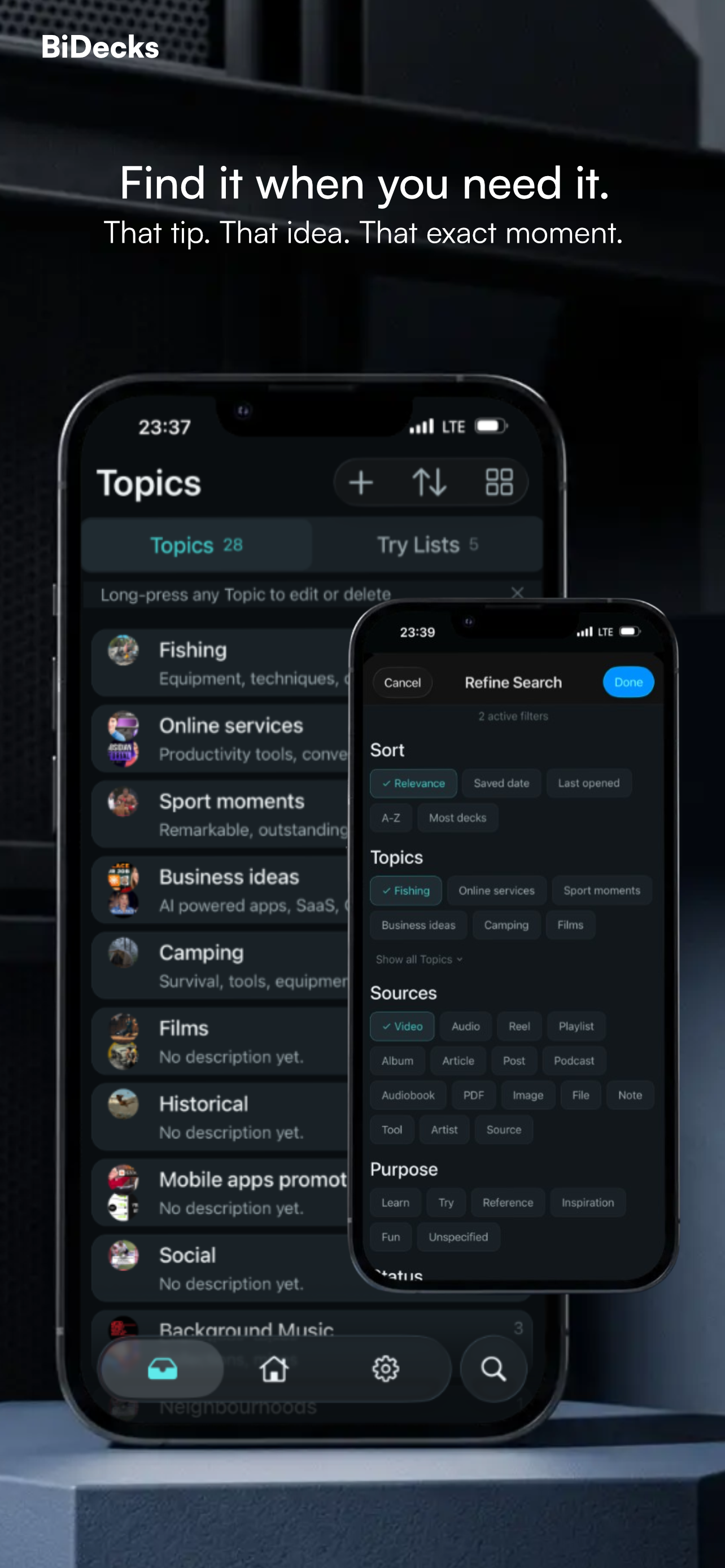
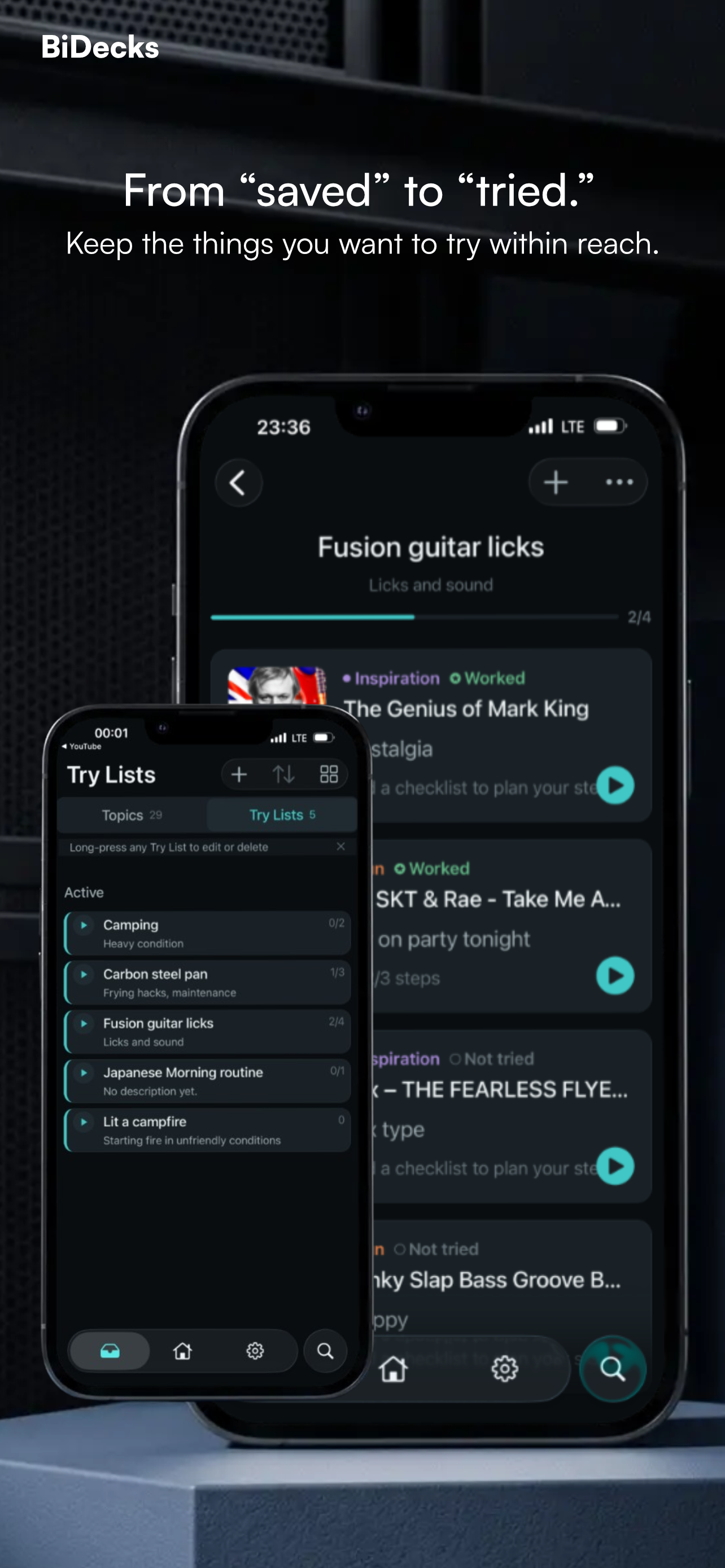
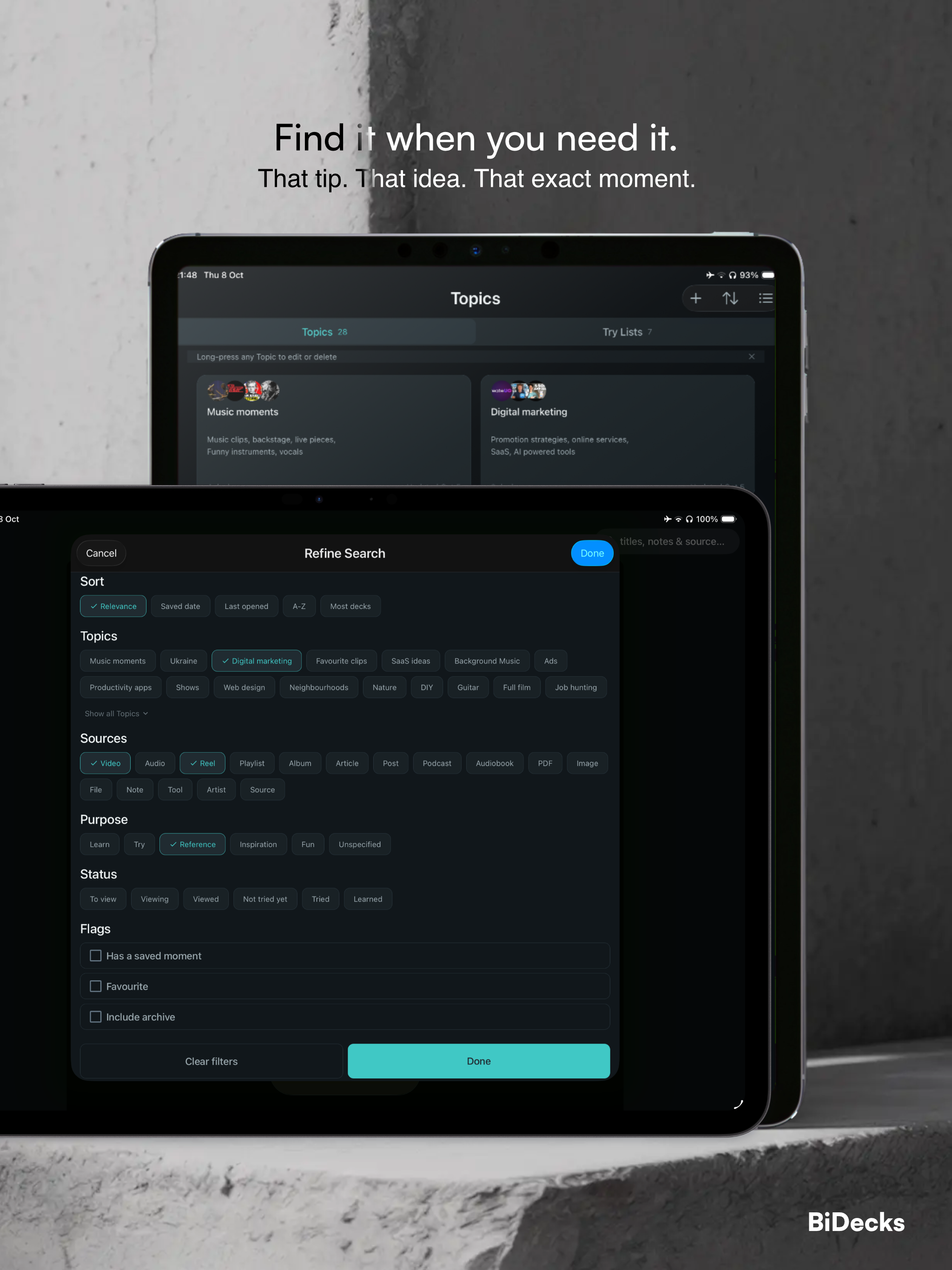
Use Topics for enduring interests and Try Lists for things you want to act on.
Search titles, source details, notes, takeaways across one library, then open the original video, post, or article to put it to use
Contact